Short answer
For a full 8-hour work-from-home day on a laptop averaging 60 W, buy a portable power station with about 700 Wh of rated capacity. That size covers the 480 Wh laptop load plus real-world conversion losses, avoids draining the battery to empty, and gives you enough headroom that a normal workday does not become a race against the last 5%.
The math
Start with the load you actually need to cover:
Laptop energy need = device wattage × hours
60 W × 8 h = 480 Wh
That 480 Wh is the usable energy your laptop needs over the workday. The next step is translating that into the rated battery capacity you should buy.
If you run the laptop from the AC outlets on a power station, you lose some energy in the inverter and in the laptop’s AC charger. The exact figure varies by model and load level, but conversion losses are real; the U.S. Department of Energy notes that many external power supplies and conversion chains waste energy as heat, and inverter-based systems are never 100% efficient (DOE). For sizing, a practical planning factor is to assume 85% delivered efficiency on the AC path.
Then account for the fact that most people should not plan around using 100% of the nameplate battery every day. LiFePO4 packs can tolerate deep cycling better than older chemistries, but a reserve buffer is still smart for runtime stability, battery longevity, and the simple fact that displayed percentages are not lab instruments. For a planning rule, I use 90% depth of discharge.
Finally, add a 10% safety margin so a slightly brighter screen, a Zoom-heavy day, or a battery that is no longer brand new does not break the plan.
Written out step by step:
-
Base load:
60 W × 8 h = 480 Wh -
Adjust for inverter / conversion loss:
480 Wh ÷ 0.85 = 565 Wh -
Adjust for usable depth of discharge:
565 Wh ÷ 0.90 = 628 Wh -
Add safety margin:
628 Wh × 1.10 = 691 Wh
Recommended rated capacity: 691 Wh, rounded to 700 Wh
That is the same logic we use in the calculator behind these numbers.
A compact way to write the formula is:
Required capacity (Wh) = (W × h ÷ inverter efficiency ÷ usable DoD) × safety margin
Plugging in this scenario:
(60 × 8 ÷ 0.85 ÷ 0.90) × 1.10 = 691 Wh
What if you use USB-C instead of AC?
If your laptop can charge directly from a USB-C PD port on the power station, the result can be better because you skip the inverter stage. In that case, your real requirement may land closer to the mid-500 Wh range. But unless you know the station’s USB-C output wattage matches your laptop and you are sure you will use that port every time, 700 Wh remains the safer buy.
Why the article brief’s 480 Wh reference is not the buying number
The brief’s 60 W average for 8 h ≈ 480 Wh usable energy is correct. That is the load. Buyers get into trouble when they treat usable load and rated battery capacity as the same thing. They are not. The battery has to be larger than the energy you want to pull from it, especially if you are using AC.
Real examples from our database
Below are five real models from full database, using the exact values in our dataset. Runtime is estimated for this specific scenario: a 60 W average laptop load for 8 hours, assuming the AC path and the same 85% inverter efficiency used above.
Estimated runtime formula used in the table:
Runtime (hours) = capacity_wh × 0.85 ÷ 60
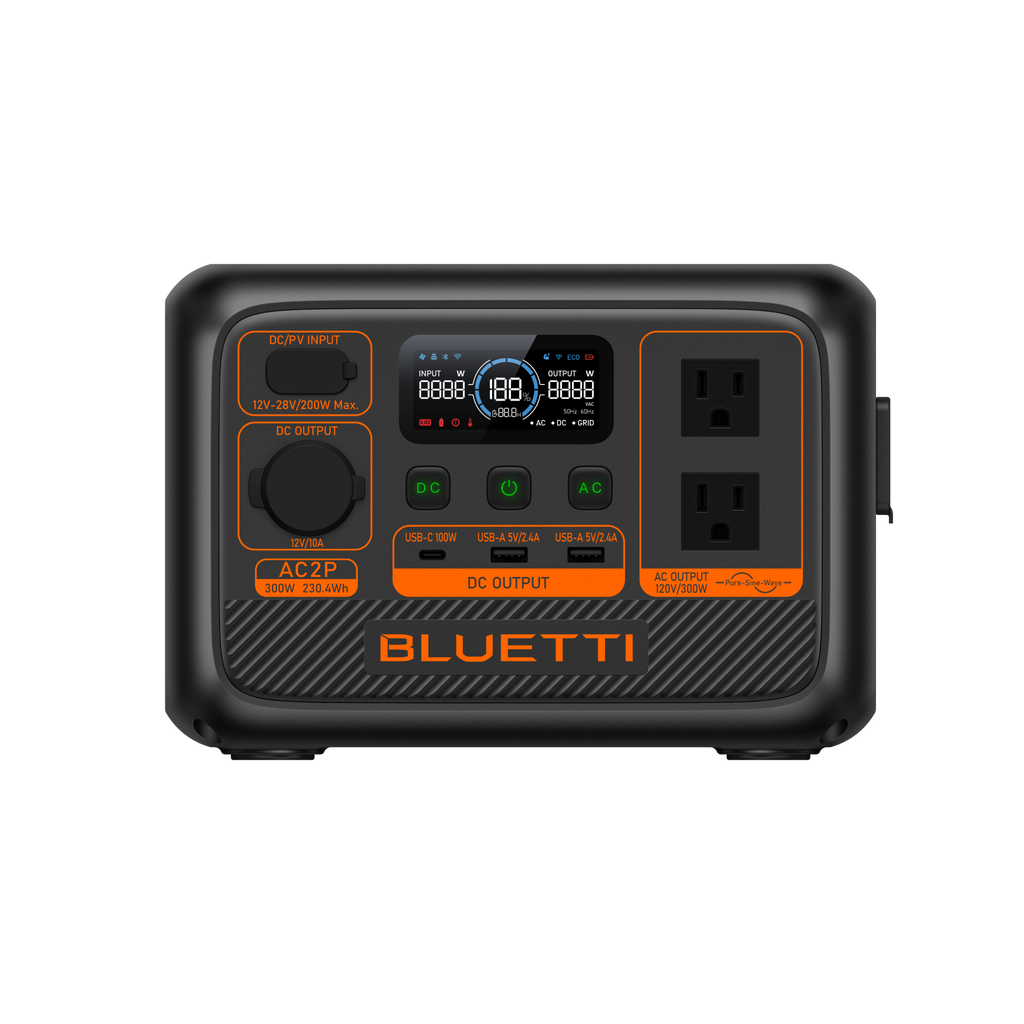
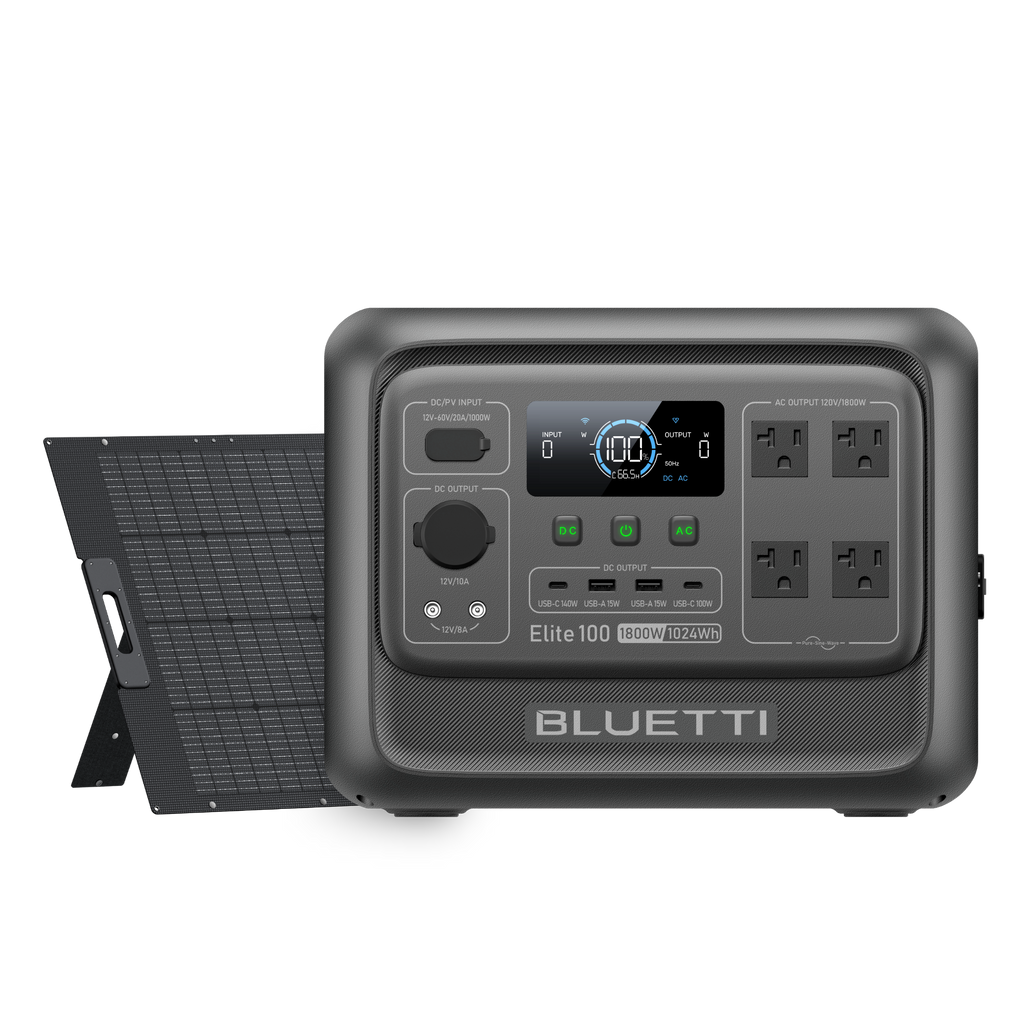
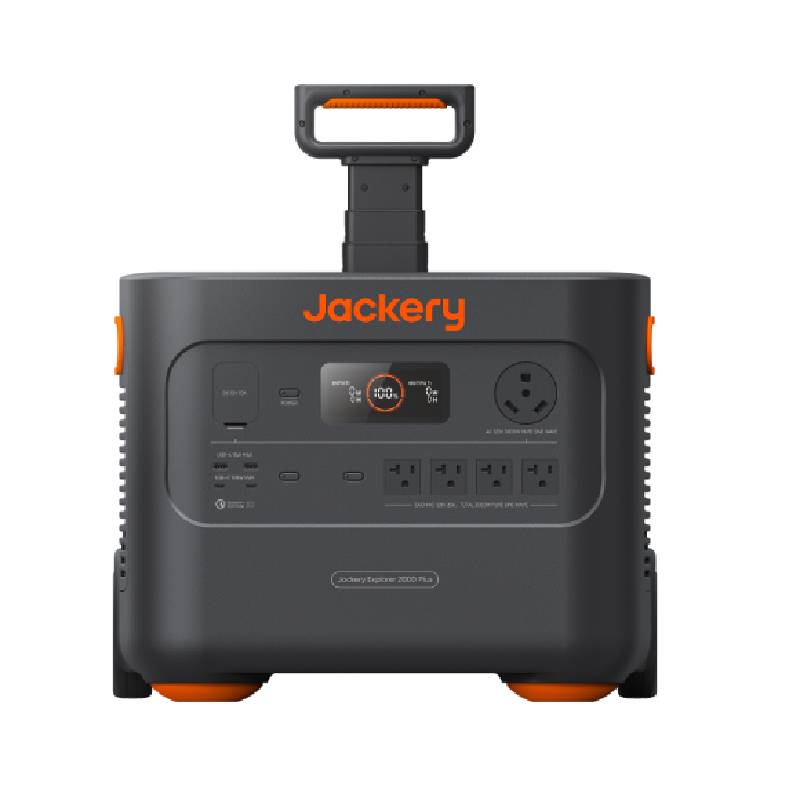
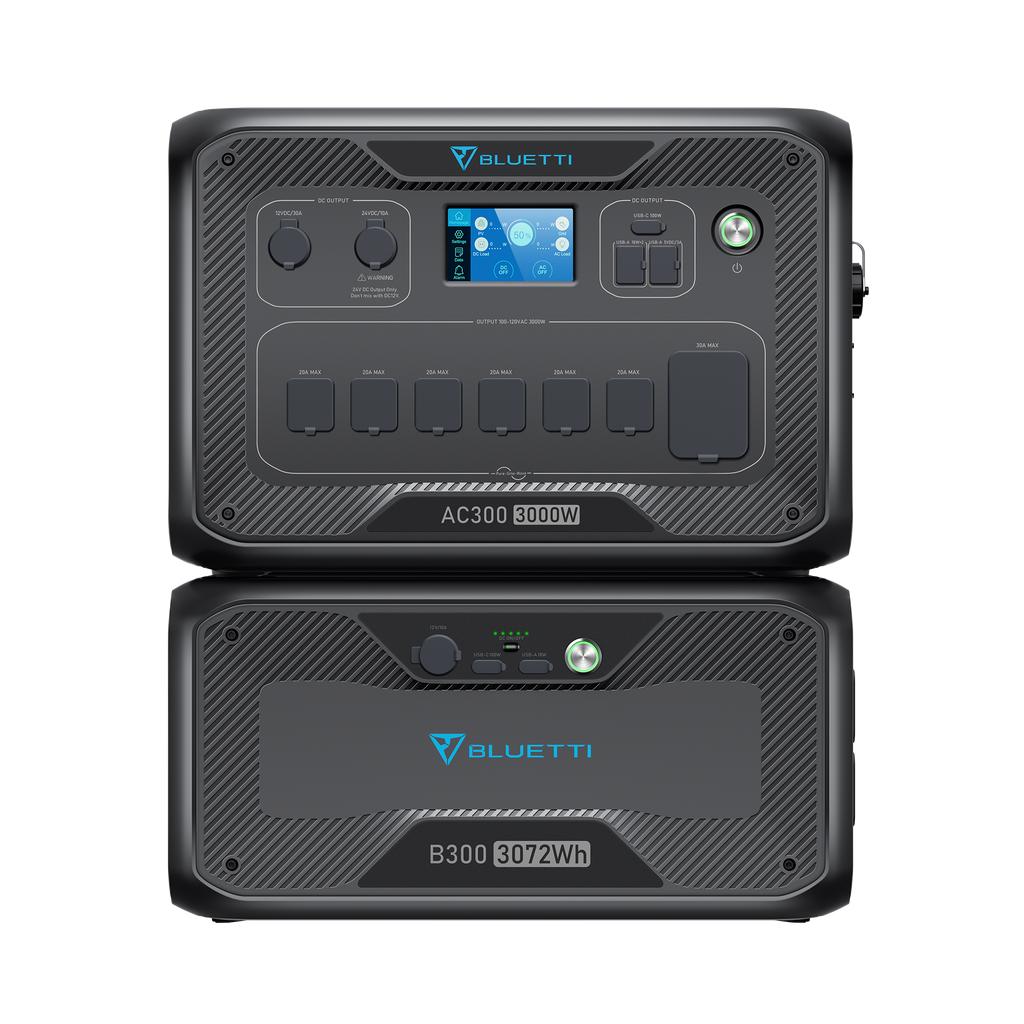
| Product | Image | Key spec | Estimated runtime in this laptop scenario | Price |
|---|---|---|---|---|
| BLUETTI AC2P Portable Power Station | 300W 230.4Wh | |
864 Wh capacity, 300 W AC output, battery chemistry not specified | About 12.2 hours | $159 |
| Elite 100 V2+350W Solar | |
1024 Wh capacity, 200 W AC output, LiFePO4 | About 14.5 hours | $1,099 |
| Jackery Portable Power Station Explorer 2000 Plus | |
2042 Wh capacity, 3000 W AC output, LiFePO4, expandable | About 28.9 hours | $2,199 |
| BLUETTI AC300+B300 | Home Battery Backup | |
3072 Wh capacity, 3000 W AC output, LiFePO4, expandable | About 43.5 hours | $2,599 |
| AC500 Home Integration Kit | |
5120 Wh capacity, 5000 W AC output, LiFePO4, expandable | About 72.5 hours | $699 |
Which picks make sense for this use case?
For a plain laptop-only workday, the best fit from this list is the BLUETTI AC2P Portable Power Station | 300W 230.4Wh on raw numbers because its listed 864 Wh capacity clears the 700 Wh target comfortably. I need to be direct here: the product title says “230.4Wh,” but the structured dataset supplied for this article says 864 Wh and 300 W AC output. Because this article must use the exact dataset values, that is the number used in the math. You should verify the live spec page before buying.
The Elite 100 V2+350W Solar is also more than enough on capacity at 1024 Wh, though its listed 200 W AC output conflicts with the description text that mentions higher output. Again, I am using the exact structured field, not the marketing copy.
The Jackery Portable Power Station Explorer 2000 Plus is far larger than a laptop day requires, but it makes sense if your “work from home” setup also includes a monitor, router, desk lamp, phone charging, and maybe some backup household loads after work.
I did not include the Elite 30 V2+100W Solar as a table pick because its 288 Wh capacity is clearly too small for this scenario. It is useful as an example of what undersizing looks like: at the same 60 W load, you get only about 4.1 hours on the AC path.
What goes wrong
1) You size to the laptop battery charger label, not your real average draw
A 100 W or 140 W laptop charger rating does not mean your laptop pulls that much all day; if you size from the brick instead of measured or realistic average use, you can overspend badly.
2) You size to rated capacity and ignore losses
A “500 Wh” power station does not deliver 500 Wh to your laptop through AC; inverter and charger losses eat part of that, which is why the calculator behind these numbers gives a larger buying number than the bare 480 Wh load.
3) You buy for a warm-room test and then use it in the cold
Battery performance drops in low temperatures, and charging limits can tighten sharply, especially around freezing; the U.S. DOE notes that batteries perform best near room temperature and lose performance in colder conditions (DOE). If your outage plan includes a cold garage or porch office, add margin.
4) You use the wrong port
If your laptop expects high-wattage USB-C PD and your power station’s USB-C output is too low or not specified, you may be forced onto AC, which cuts runtime; always confirm the port and wattage match.
When to step up a tier
A 700 Wh class station is the right answer for the reference case: one laptop, 60 W average, 8 hours, no major extras.
Step up to the next tier — roughly 1,000 Wh or more — if any of these are true:
- Your laptop averages more than 60 W. Gaming laptops, mobile workstations, and AI-heavy local workloads can sit far above an ultrabook.
- You need a monitor too. A single external monitor often adds 20 to 40 W, and larger displays can use more.
- You also need internet gear. A router and modem can add another 10 to 20 W combined.
- You want to end the day with reserve left. If your power station is also your outage backup for phone charging, lights, or an evening shift, buy up.
- You expect battery aging or cold-weather use. Margin matters more after a couple of years than on day one.
A quick example:
- Laptop: 60 W
- Monitor: 30 W
- Router/modem: 12 W
Total load = 102 W
For 8 hours:
102 W × 8 h = 816 Wh usable
Then apply the same factors:
816 ÷ 0.85 ÷ 0.90 × 1.10 = 1,173 Wh
That is no longer a 700 Wh purchase. It is firmly a 1 kWh-plus job.
That is where products like the Elite 100 V2+350W Solar start to make more sense, and if you want all-day work plus broader outage coverage, the Jackery Portable Power Station Explorer 2000 Plus or BLUETTI AC300+B300 | Home Battery Backup are the obvious step-ups.
One more note: the AC500 Home Integration Kit appears in the dataset with a large capacity figure, but the product name indicates it is an integration kit, not a normal grab-and-go laptop backup purchase. Treat it as a home-backup category item, not the default answer for a desk job.
How we picked the products above
We filtered models from our full database to show real products with published capacity, AC output, and current listed price, then compared them against the calculated need for this exact scenario: 60 W average for 8 hours with an AC-path efficiency assumption of 85%. We favored products that clearly clear the 700 Wh target, plus one undersized reference model to show where the cutoff sits. We did not invent missing fields; where the dataset lacks a spec, we say not specified. You can read our scoring methodology for the broader test process and ranking rules.
Frequently asked questions
Can a 300 Wh power station run a laptop all workday?+
Usually no, not for a full 8-hour day if your average draw is anywhere near 60 W. A 300 Wh class unit can work for lighter loads or partial days, especially if you charge by USB-C PD and keep screen brightness and background tasks down.
Is it better to power a laptop from AC or USB-C on a power station?+
USB-C PD is usually more efficient because it avoids the DC-to-AC-to-DC conversion path of the inverter and laptop charger. If your laptop supports USB-C PD at the needed wattage, that can stretch runtime noticeably.
What if I also need to run a monitor and router?+
Step up a size tier. A laptop at 60 W plus a 25-40 W monitor and a 10-15 W router can push your workday load into the 760-920 Wh usable range before reserve margin.
Editor at SolarWorld covering portable power, balcony PV and home energy storage. Specifications quoted in this guide are pulled directly from our product database; analysis and recommendations are by Nathan Cole.
Full bio & methodology →Related articles
- Explainer · 6 min
CPAP Overnight: What Size Power Station in 2026?
Buy about 800 Wh for a CPAP overnight. That covers a 60 W CPAP for 8 hours with inverter losses and a practical safety margin.
- Explainer · 7 min
Fridge Backup Power: What Size Station Do You Need?
For a 150W fridge over 24 hours, plan on about 5,000Wh rated capacity. Here’s the math, the runtime, and real portable power station picks.